QueryForge
An interactive SQL learning playground built for Digital Solutions students.
- Status
- Live
- Stack
- Next.js · TypeScript · React · Prisma · SQLite · CSS
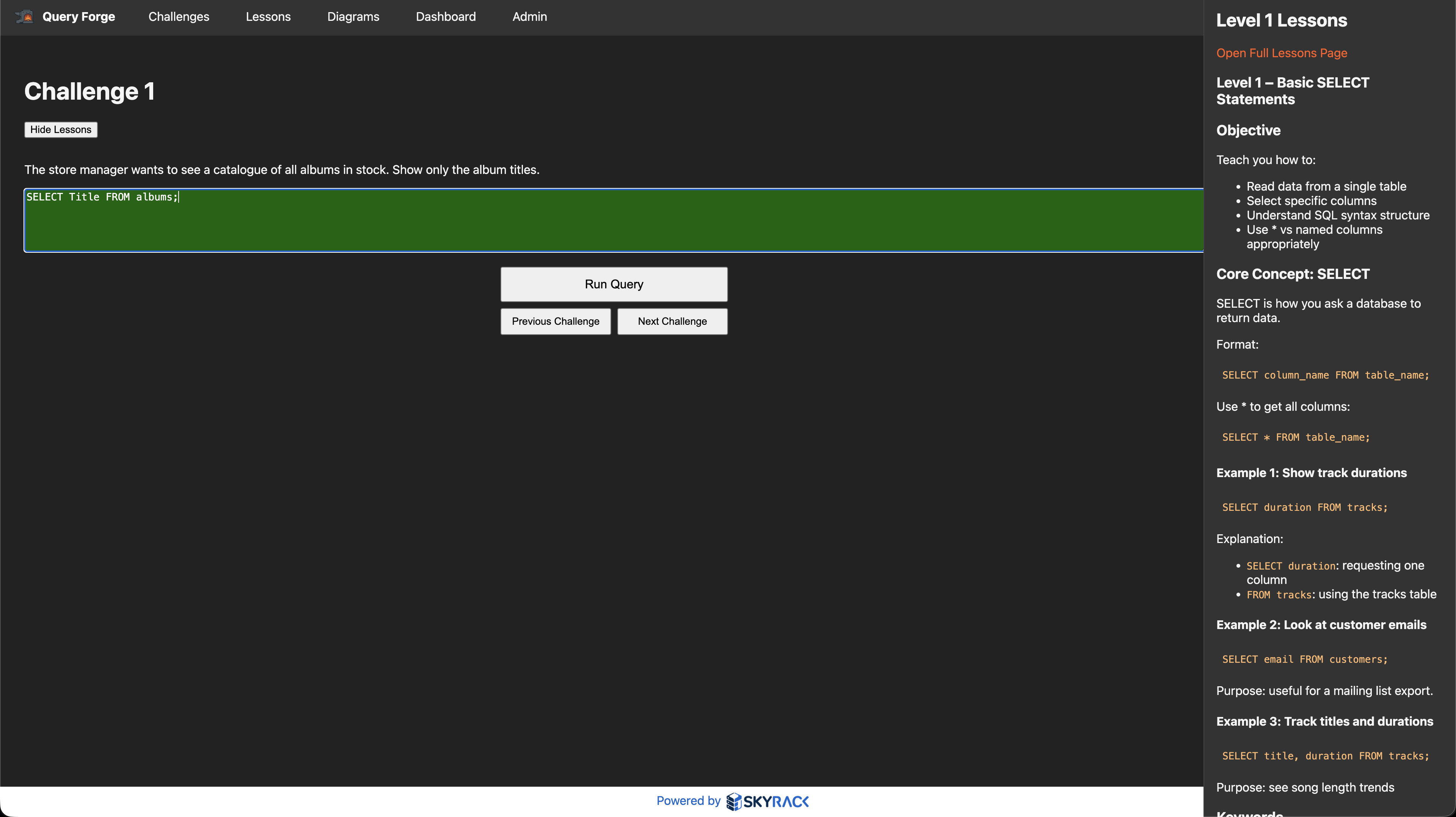
QueryForge is a web-based SQL learning platform I built to give my Digital Solutions students a structured, hands-on way to practise SQL queries. Instead of abstract exercises, students work against a real relational database with music industry data: artists, albums, tracks, customers, and orders. The platform tracks progress, validates queries, and gives teachers visibility into how students are working through challenges.
How it works
40 SQL Challenges
Structured challenges across 7 difficulty levels, from basic SELECT statements to complex multi-table JOINs and aggregations.
Live Query Sandbox
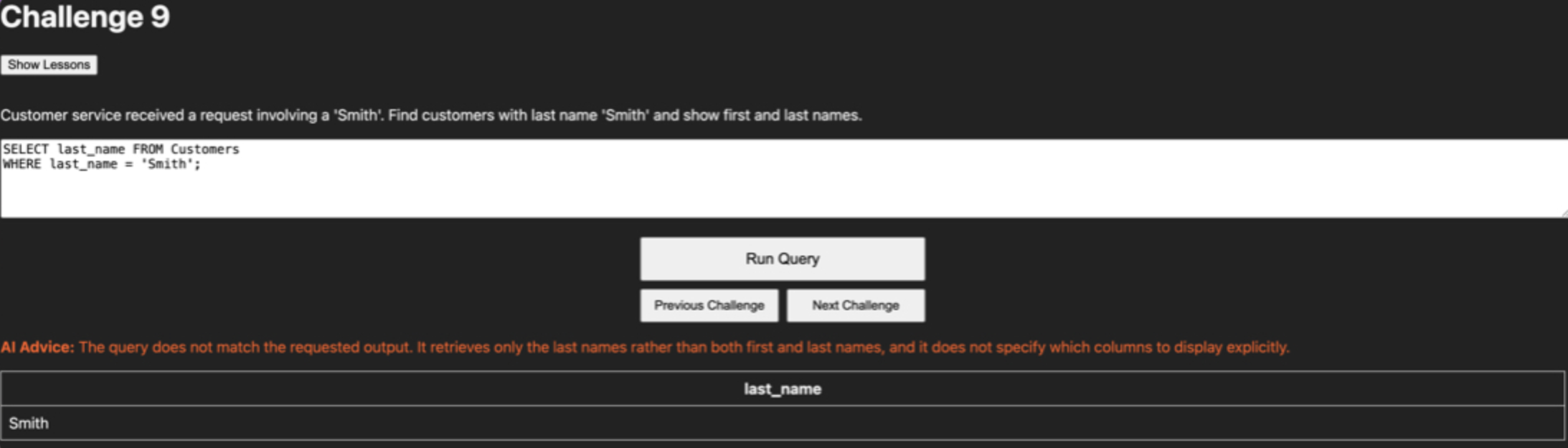
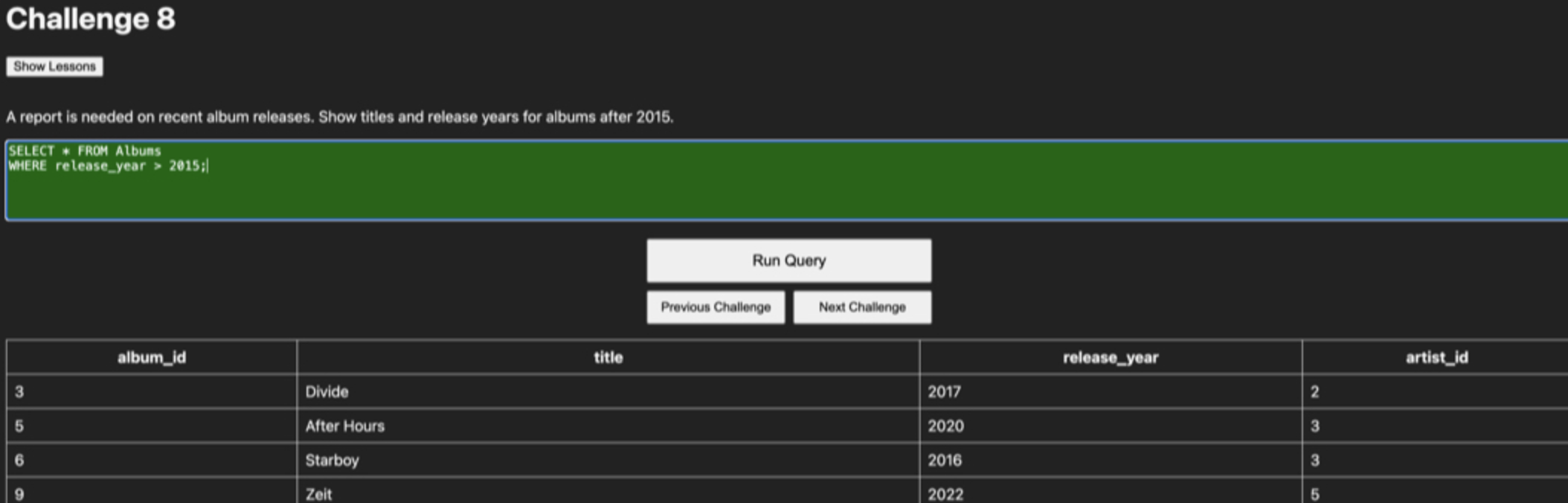
A built-in SQL editor where students can write, test, and refine queries against the live database before submitting.
Pre-seeded Relational Database
A music industry dataset with artists, albums, tracks, customers, and orders. Real relationships, real data, real SQL.
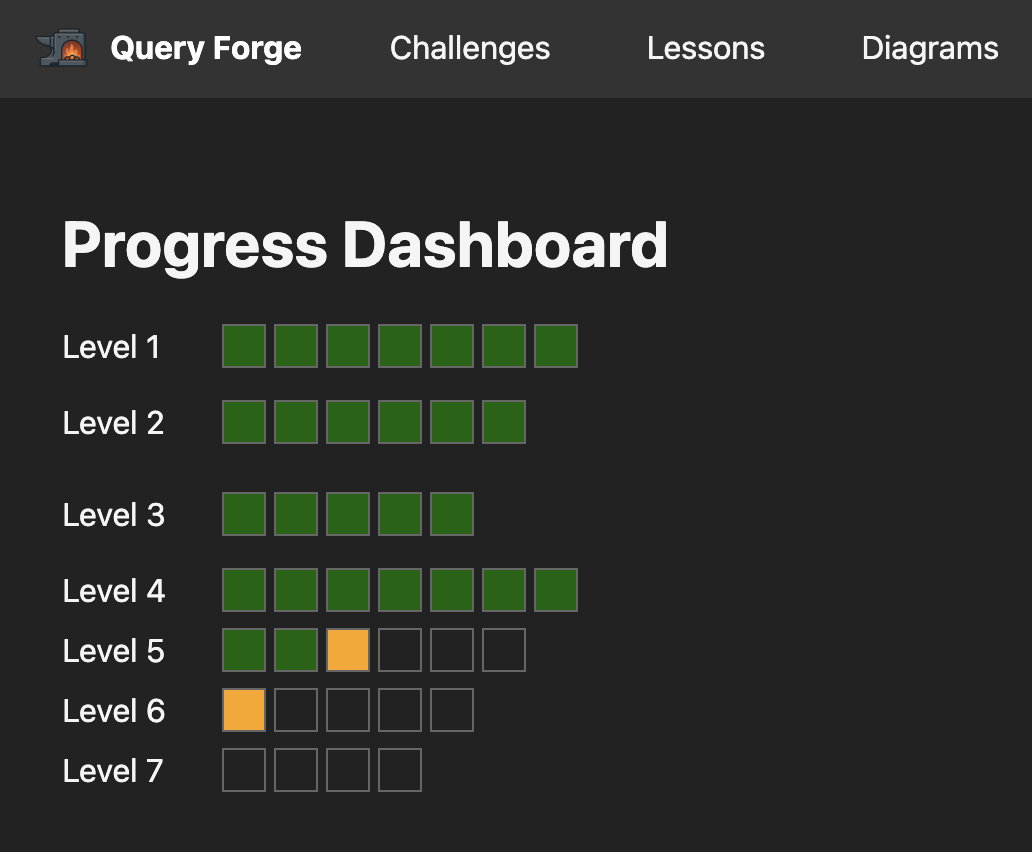
Student Progress Tracking
Every challenge tracks completion status and persists the last query attempted, so students can pick up where they left off.
Admin Dashboard
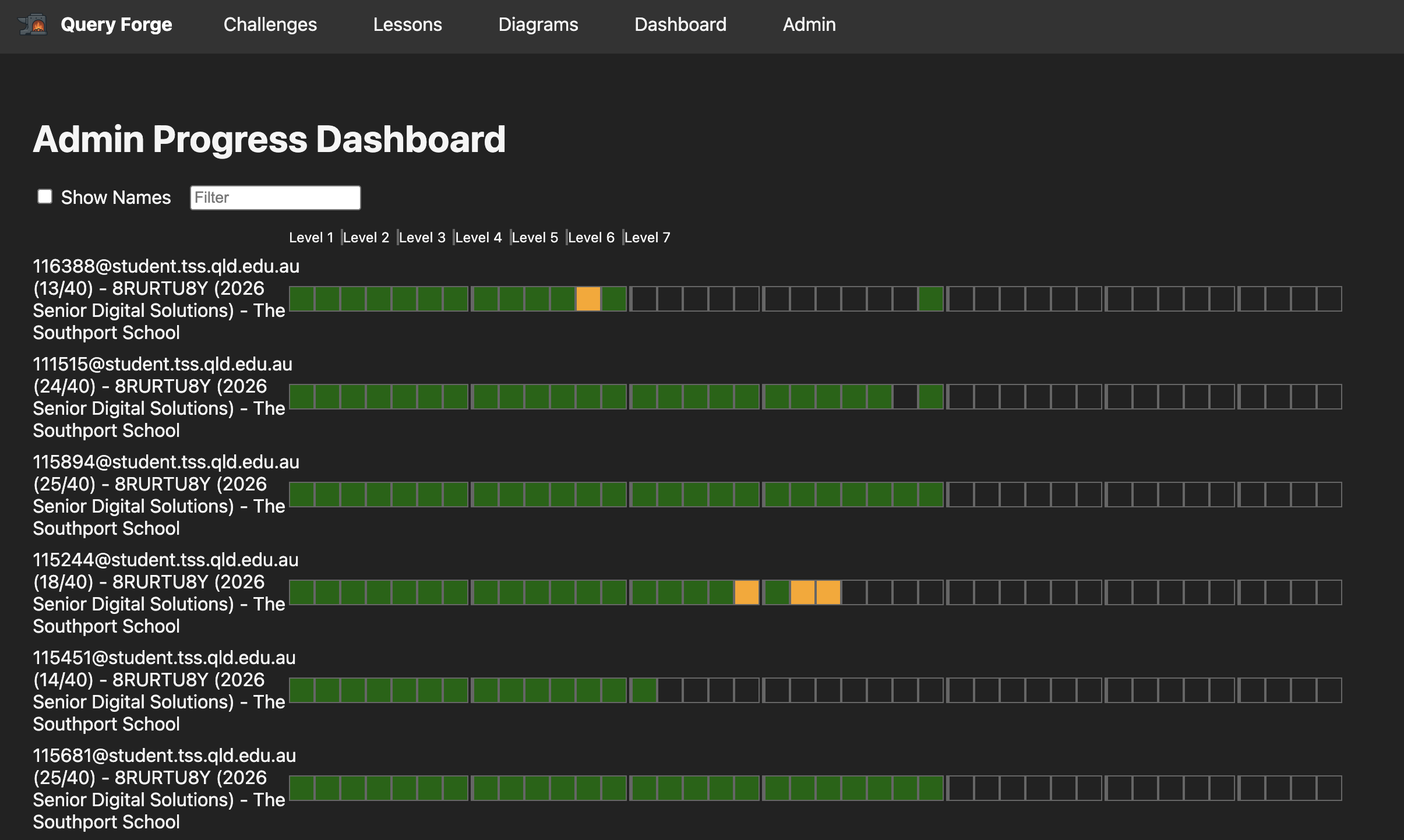
Teachers can review all student submissions, track progress across the class, and identify common mistakes.
Schema Diagrams
Visual database diagrams so students can see table relationships before writing queries.
User Authentication
Registration and login with SHA-256 hashed credentials and enforced password requirements.
Lesson Content
Integrated lesson pages with instructional content to support each difficulty level.
What came of it.
- 1Deployed and used by Digital Solutions students at The Southport School
- 240 challenges covering the full QCAA Digital Solutions SQL curriculum requirements
- 3Students can self-pace through difficulty levels with immediate feedback
- 4Teachers get visibility into student progress without manual marking
- 5The pre-seeded dataset provides a consistent, controlled learning environment
The full story
Teaching SQL in a secondary school context has a specific problem: most tools are built for developers, not students. They assume prior knowledge, have intimidating interfaces, and offer no scaffolding. I wanted something that felt approachable but still taught real SQL against a real database.
QueryForge solves this by wrapping a SQLite database in a clean, student-facing interface. Students log in, pick a challenge from one of seven difficulty levels, write their query in a sandbox editor, and submit it for validation. The system checks their query against stored solutions and tracks their progress over time.
The database itself is pre-seeded with a music industry dataset: 5 countries, 5 genres, 20 artists, 50 albums, and 282 tracks, plus a commerce layer with 10 customers, 15 orders, and order line items. This gives students enough relational depth to practise everything from basic SELECTs to multi-table JOINs, aggregations, and subqueries.
On the teacher side, an admin dashboard shows all student submissions, making it easy to identify who is stuck, who is progressing, and where common misconceptions are appearing. This was a deliberate design choice: the tool is not just for students, it is for teachers too.
Screens
Under the hood
- Next.js
- Full-stack framework handling both the frontend UI and API routes
- TypeScript
- Type-safe development across the entire codebase
- React
- Component-based UI with interactive query editor and dashboards
- Prisma
- ORM for database schema management, migrations, and seeding
- SQLite
- Lightweight relational database, perfect for classroom deployment
- CSS
- Custom styling for the student and admin interfaces
The application follows a standard Next.js Pages Router architecture. API routes handle authentication, challenge retrieval, query submission, and admin operations. Prisma manages the database schema and provides type-safe queries.
The database schema splits into three domains: user management (users, challenge progress), the challenge system (challenges, solution variants), and the educational dataset (the music and commerce tables students query against).
Authentication uses SHA-256 hashing for credentials. An admin flag on the user model gates access to the teacher dashboard. The default admin account is seeded alongside the educational data.
- Users and UserChallenges track student accounts and per-challenge progress
- Challenges and ChallengeQueries store 40 challenges with multiple accepted solution variants
- Countries, Genres, Artists, Albums, Tracks form the music domain with many-to-many relationships
- Customers, Orders, Order_Items form the commerce domain for advanced query practice
- Lessons store educational content mapped to difficulty levels
- Making SQL approachable for Year 10 to 12 students who have never seen a database before
- Balancing challenge difficulty: too easy bores strong students, too hard discourages beginners
- Validating student queries fairly when there are multiple correct approaches to the same problem
- Keeping the dataset rich enough for complex queries but small enough to reason about
- Building a tool that teachers actually want to use, not just students